Jul 15, 2026
DJI Mini 2 Weak Signal, Gimbal and Repair Inspection Notes
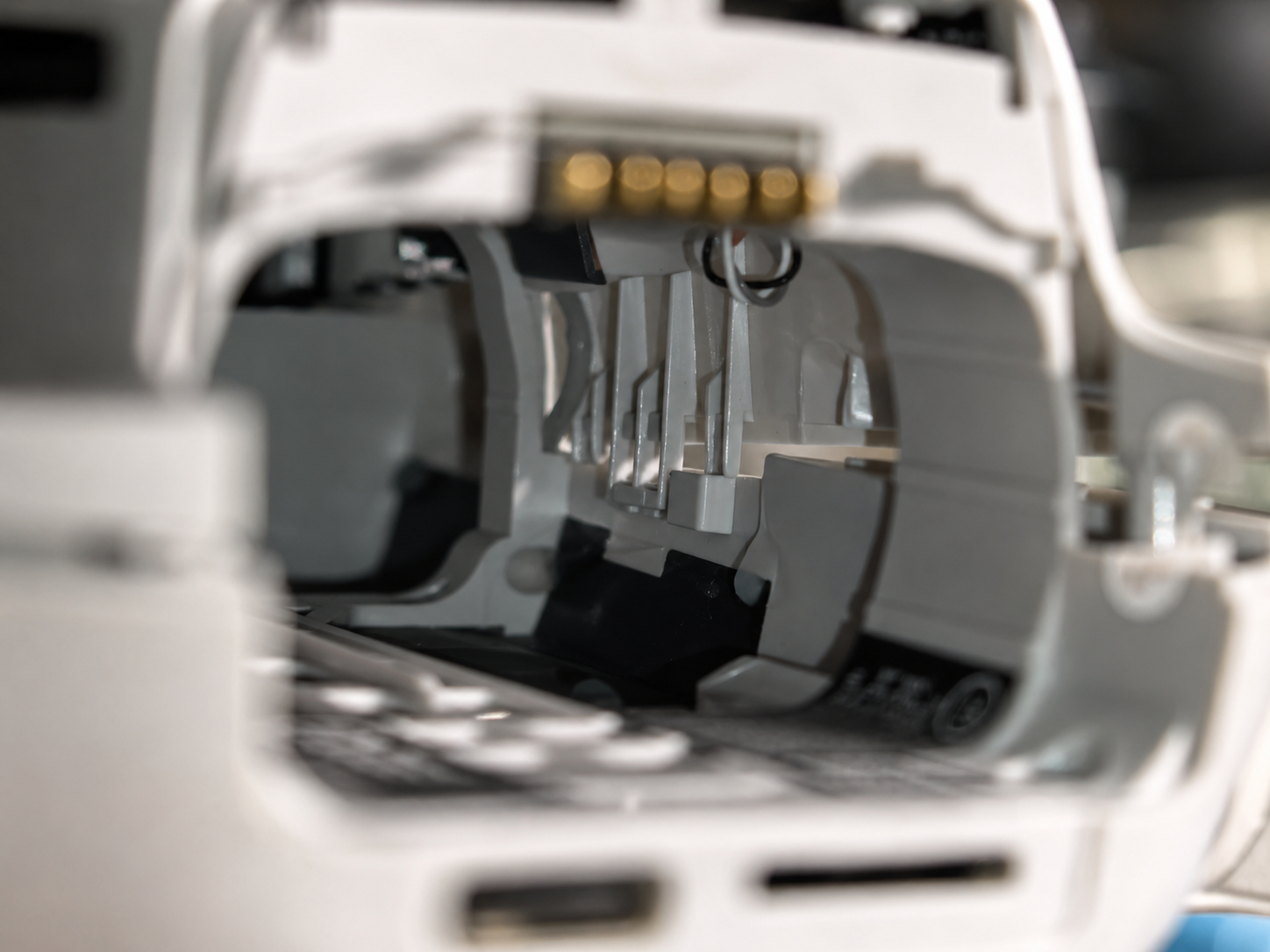
Weak signals, problems with the gimbal or camera and even concealed damage from a crash can plague DJI Mini 2 drone owners. KZone Aero provides a quick overview of inspection tips when dealing with repairs.
The DJI Mini 2 is one of the most commonly used drones by hobbyists. Due to its small size and camera function, it is often used in travels and filming outdoors. It is also popular among small businesses that use real estate videos.
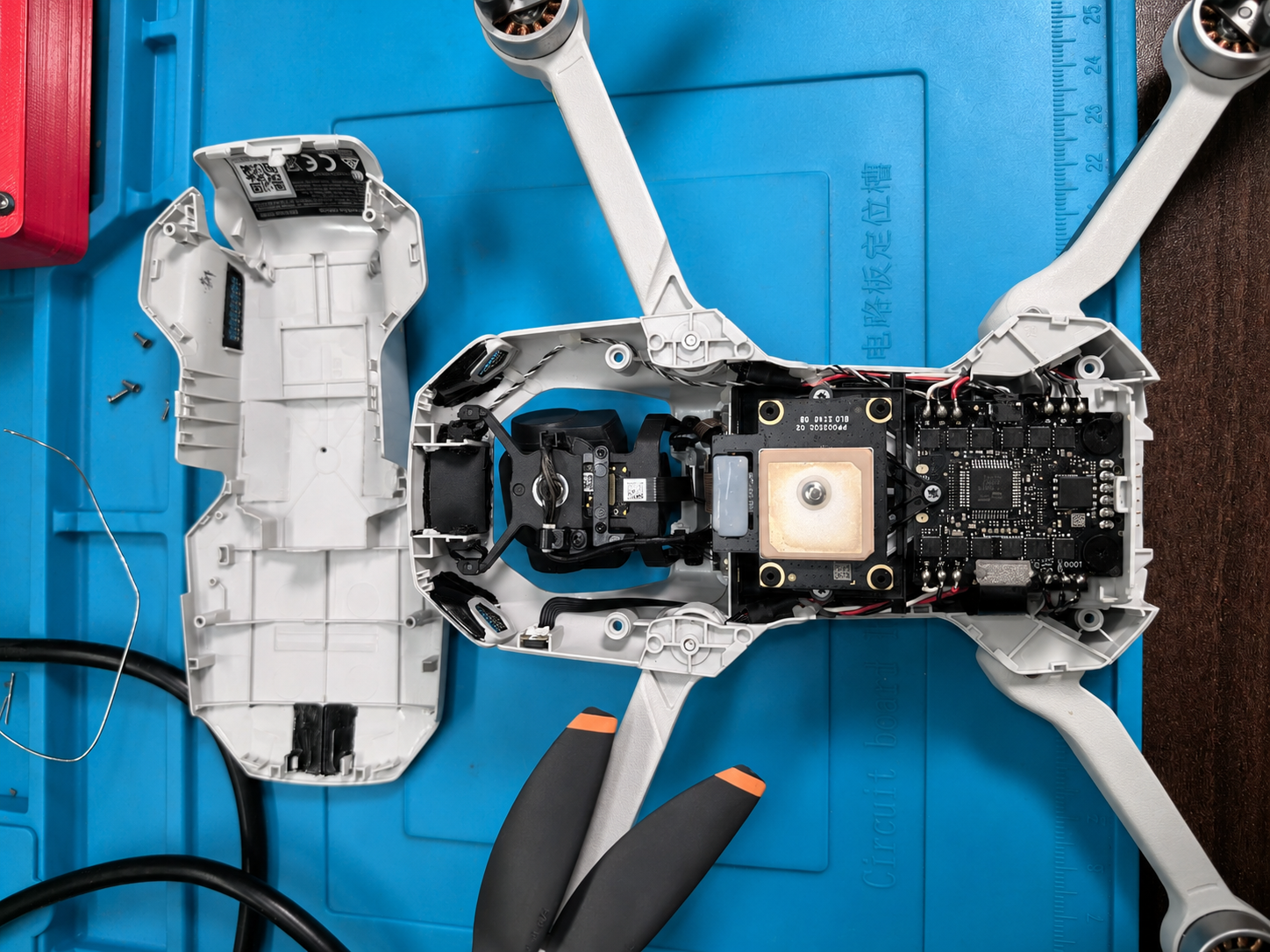
Nonetheless, with prolonged use, crashes, hard landings or any connectivity issue, some users may have troubles like poor signal strength, unstable video feed, unstable gimbal, camera malfunction, calibration errors or unstable flight pattern.
This post is an overview of commonly observed inspection directions for DJI Mini 2 in relation to a repair inquiry. This is not a disassembly guide. Customers are recommended to refrain from disassembling the drone if they do not have knowledge of small electronic components, ribbon cables, connectors and calibration of drones.
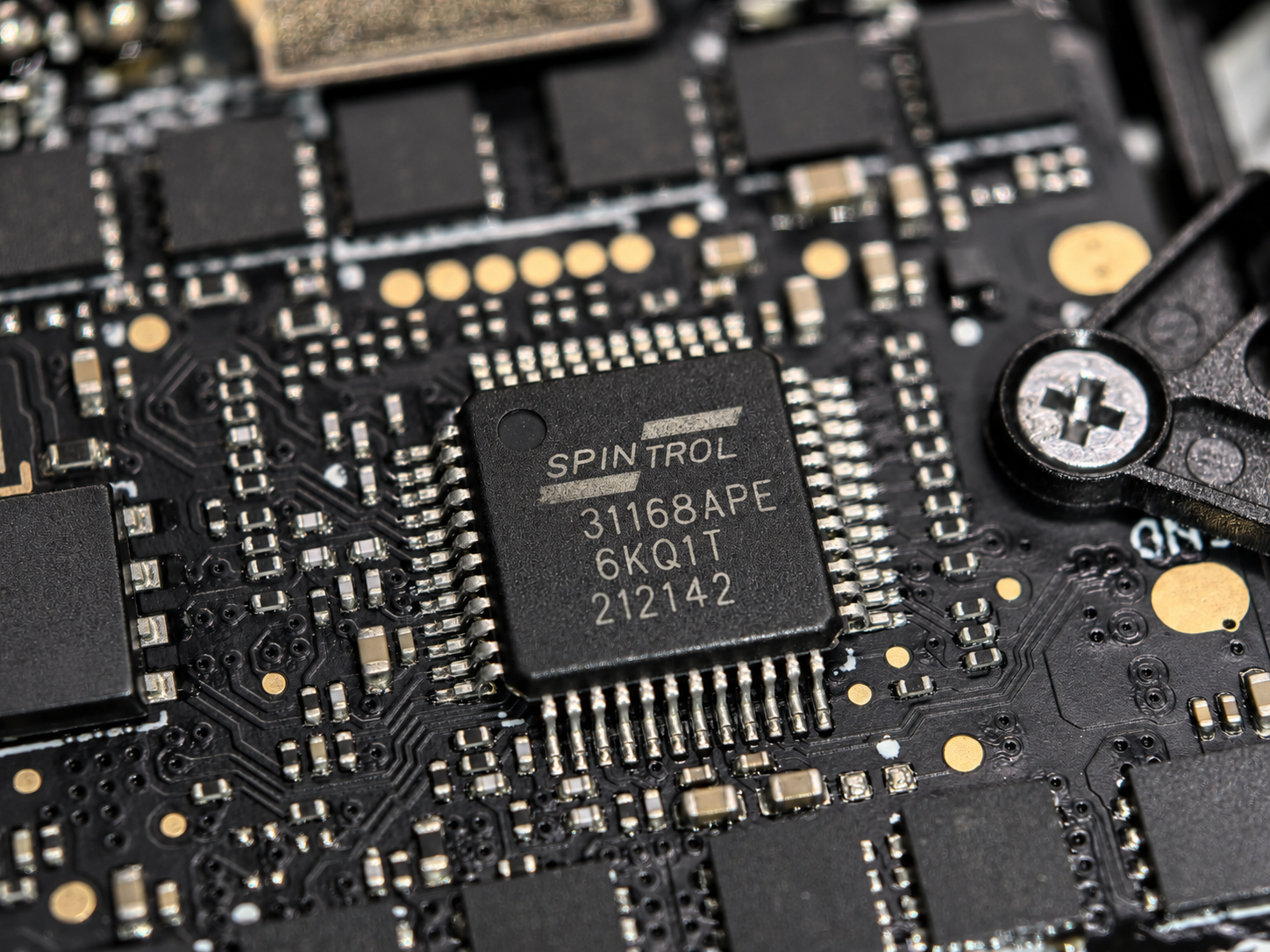
Weak signal or unstable image transmission is another common problem among DJI Mini 2 drone owners. Prior to determining any hardware problems with the device, users should ensure that their drone meets certain conditions in terms of software updates, environment for flights, remote controller connection, antennas placement, cable connection on a mobile device and the occurrence of the problem in only one area or in several open spaces.
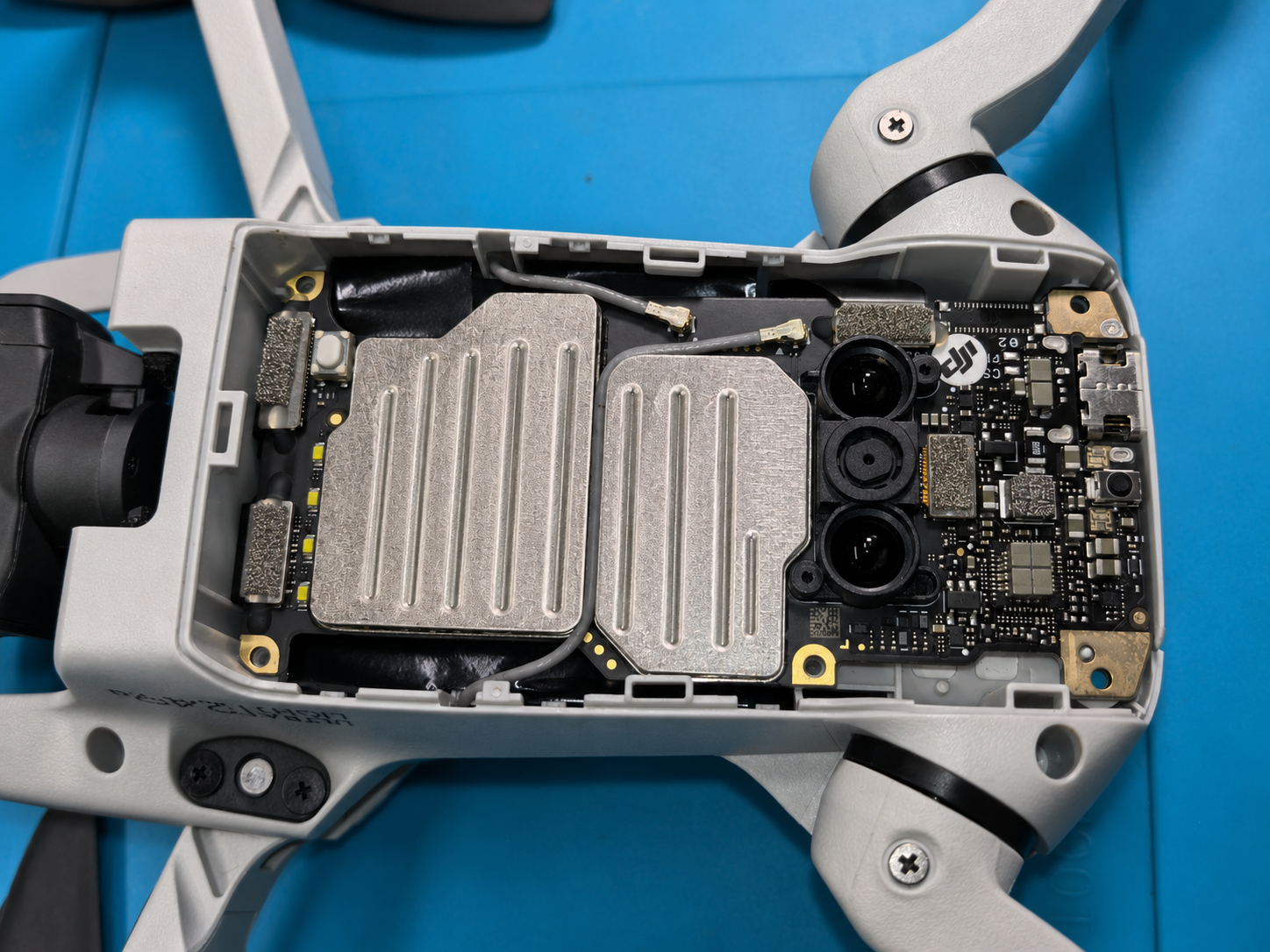
In case the problem occurs repeatedly in several open spaces after the crash or hard landing of the drone, it might require more thorough examination. It is rather difficult to assess the condition of the drone based on the signal problem as the device operates with internal antennas, communication components, shielding spaces and circuit board connections.
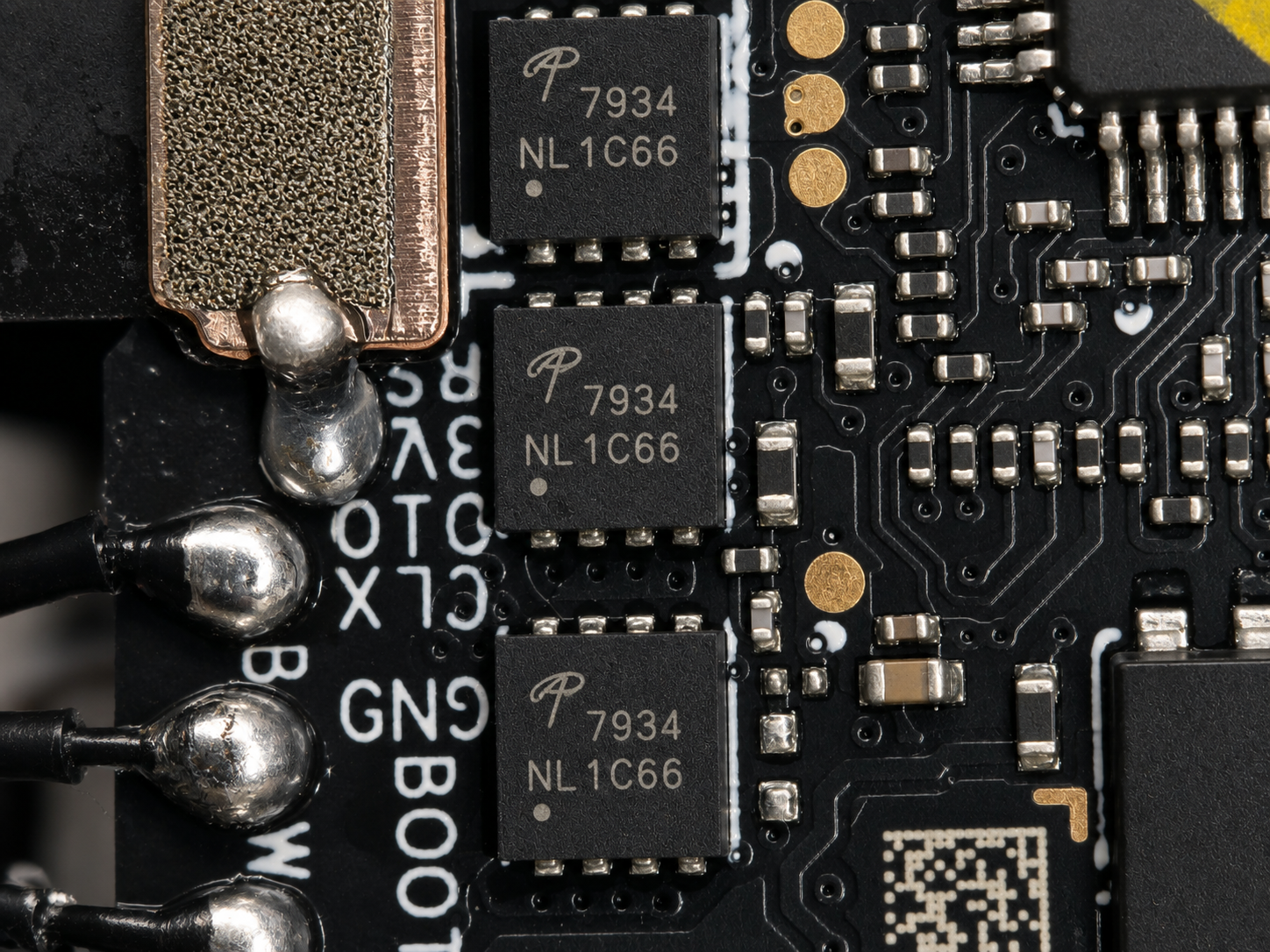
The other common problem is related to the gimbal or camera malfunction, which includes the tilting of an image, shaking video, gimbal stuck message, calibration problem, absence of image feed, blurred image and abnormal startup of the camera.
The gimbal zone is fragile. Even if the outer shell is intact, even a minor blow can influence the camera module, the operation of the gimbal, the flexible cable, vibration damping devices, or the calibration process. Because of that, the clients must provide detailed information in their requests regarding such issues as whether the drone had a crash, whether the gimbal operates during the start-up, whether the image is shown in the application, and whether the problem occurs each time.
Crash damages are the other point which might need further investigation. After a heavy landing, the damages might be apparent, like broken arms, cracked shell elements, damaged propellers, unstable motor zones, and abnormal sound. The hidden damages may be such things as inner connectors malfunction, sensors alarms, gimbal misalignment, camera damage, battery contact malfunction, or abnormal vibration during the flight.
Just because the drone powers on after the crash does not mean that it is ready to fly again. If the device provides repeated alarms, unstable hovering, abnormal sound, strong vibration, shaking of the camera, or connection issues, then users have to stop test flights.
DJI Mini 2 consists of multiple interrelated systems, such as flight controller, motor controller, power supply, wireless data transmission system, camera processing, gimbal controller and sensors. A problem in one system can lead to a manifestation of symptom in another. For example, damage caused by the crash near the body of the drone can influence the performance of the gimbal and sensors.
To make a repair inquiry, KZone Aero recommends preparing the following information for the client:
Drone model: DJI Mini 2 or specific model name.
Problem type: weak signal, problem with gimbal, camera problem, damage from crash, calibration problem, problem with motors or some other problem.
Problem history: if the drone was crashed, wetted, pressed during transportation or suddenly developed a problem.
Warning message from the app: any warning message in DJI Fly or in the controller screen.
Current behavior: whether it powers on, connects, provides an image, motors work or it does calibration.
City and province: to check the service availability in that area.
Photo/video: if it is available, customers could provide photos/videos through the contact form; KZone Aero can also ask to provide them via email.
This will help us figure out the inspection direction before making any repair decision. This will help us not to guess on some issues like signal/gimbal/camera which cannot be detected from outside.
Need drone repair, diagnostics or UAV service support?
Contact KZone Aero for inspection, repair support and future service updates.